
Anki Card Generator for Accounting Students
Anki card generator for accounting students: upload a lecture from your accounting courses and get a deck built from it.
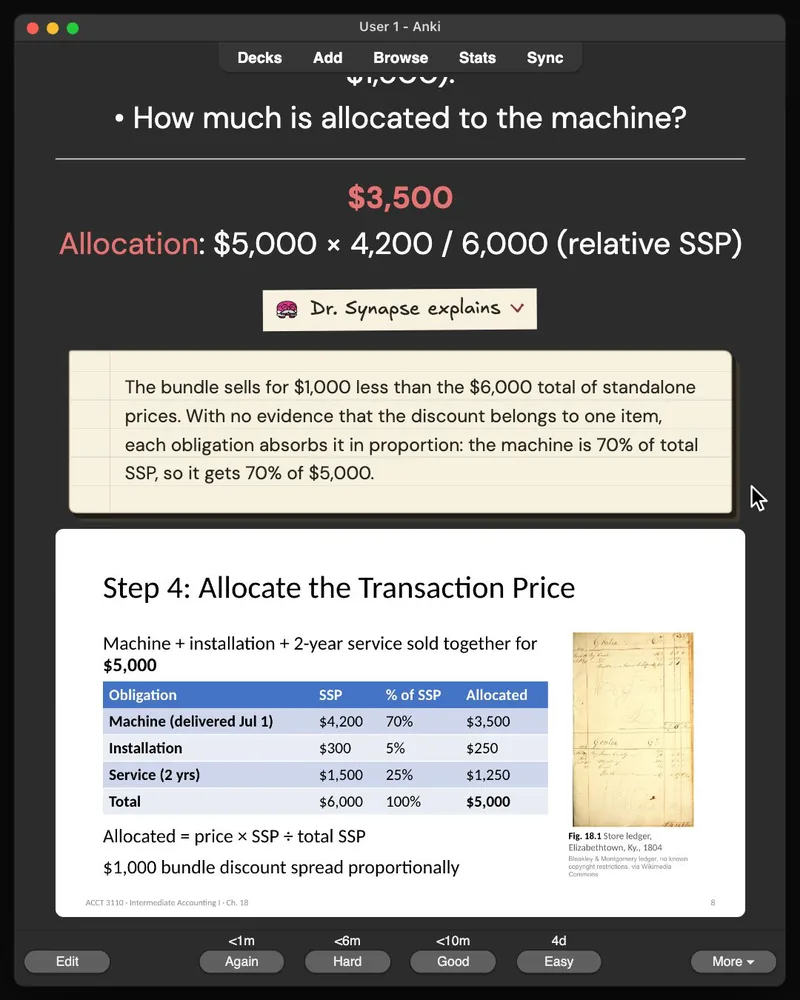
Every card shows the slide it came from, so you know exactly where the information is.
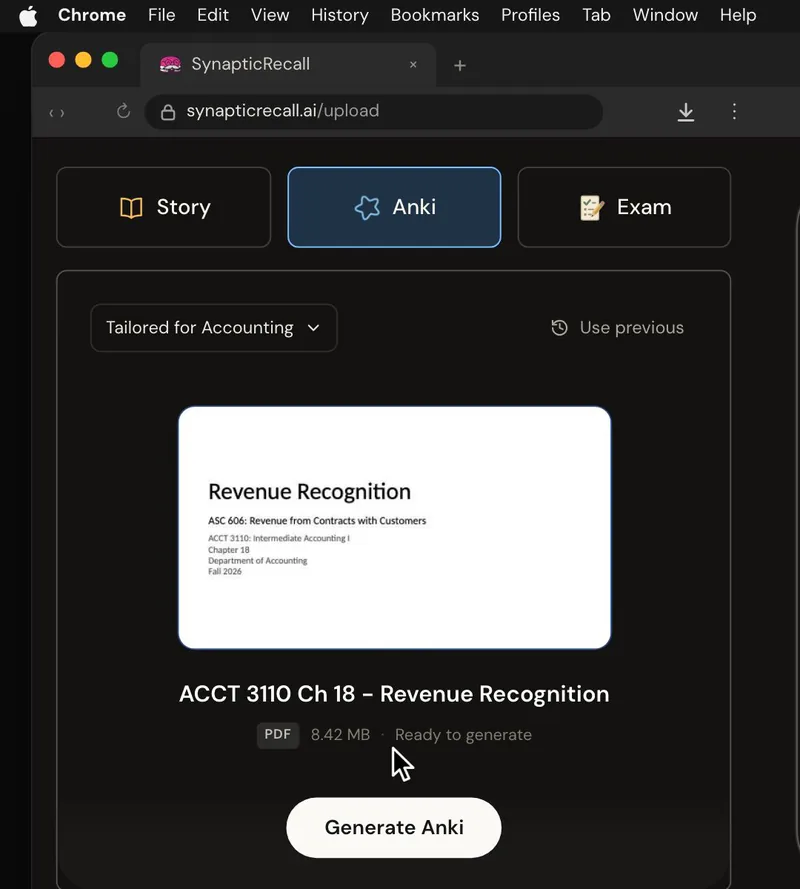
- The accounting lecture “ACCT 3110 Ch 18 - Revenue Recognition.pdf” is dragged from Chrome’s downloads onto Synaptic Recall’s upload page, with only Anki selected.
- The lecture uploads and Dr. Synapse starts building the deck, counting cards as they are written.
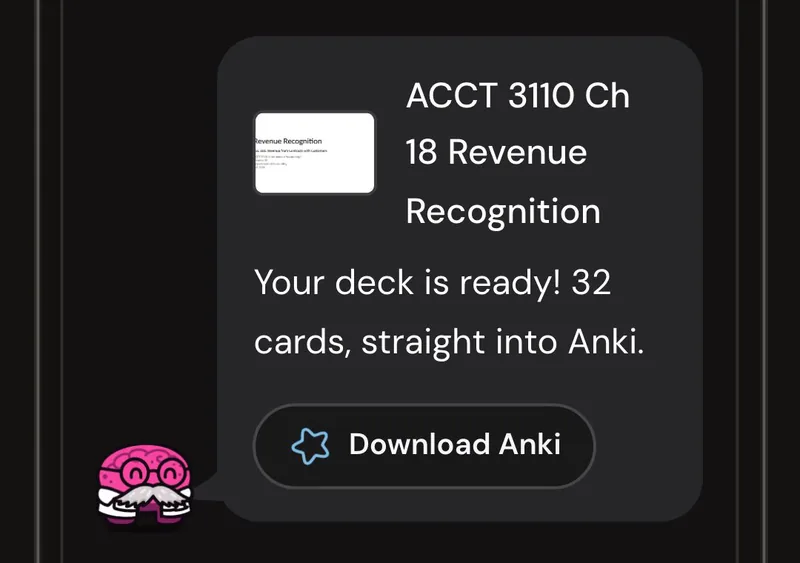
- The deck is ready: 32 cards from the lecture, with a Download Anki button.
- A card from the deck opens in Anki: “A $5,000 bundle: machine (SSP $4,200), installation (SSP $300), 2-year service (SSP…”
- Show Answer reveals: “$3,500”
- The key term “Allocation” opens its definition: Step 4: dividing the transaction price among performance obligations by relative standalone selling price.
- Dr. Synapse explains: “The bundle sells for $1,000 less than the $6,000 total of standalone prices. With no evidence that the discount belongs to one item, each…”
- Anki scrolls down to the lecture slide the card came from: “Step 4: Allocate the Transaction Price”.
- The view moves onto the slide and a gold box marks the line the answer came from: “Machine (delivered Jul 1)”.
- End card: “Accounting lecture to Anki deck”, an Upload now button, and “3 free credits · no card needed”.
Made from your accounting lectures
An endless amount of material, with no direction on how to study any of it.
This deck is built from one of your own accounting lectures, so you start with exactly what your course covers.
What every card includes
We build your deck directly from your source material, so you can spend that time actually practicing active recall.
- The right number of cards for the material, not one per bullet point
- The right question for each fact, worded so you can’t answer it by recognition
- The slide it came from on the card, so you know exactly where the information is
- A dropdown with a further explanation
- Key terms highlighted, with what each one means and where the word comes from
Ready for Anki
Active recall means trying to answer a question from memory before checking the answer, and Anki gives you that practice one question at a time.
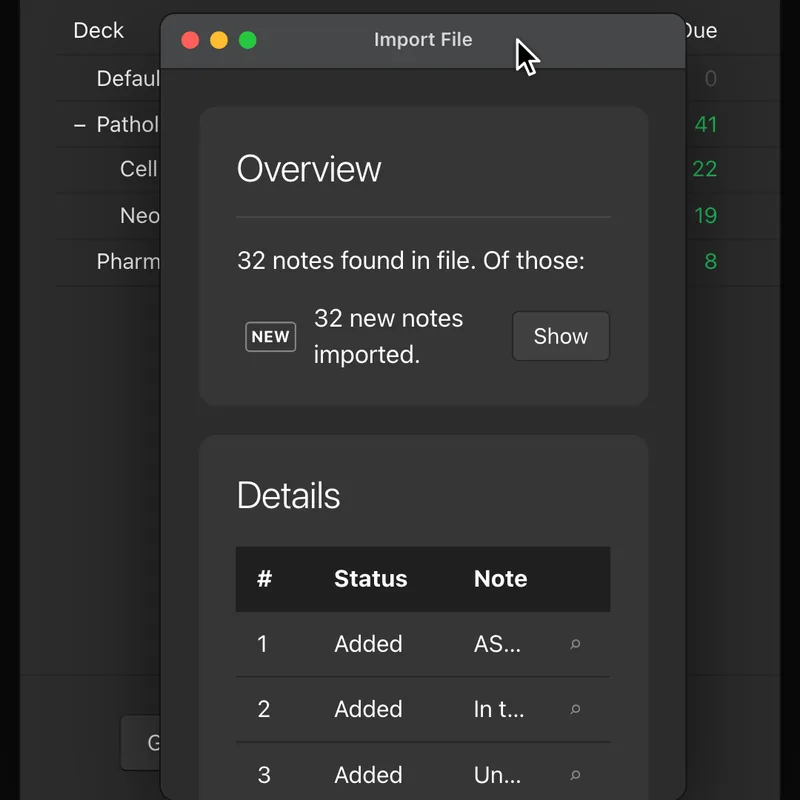
The deck downloads as an .apkg file that Anki imports.
How it works
Upload one lecture as a PDF or PowerPoint.
The system is three simple steps you do for every one of your lectures:
- Understand the why behind the information: the Story
- Memorize with active recall: the Anki deck
- Apply it to real exam questions: the practice exam
Free to try
New accounts start with three free credits, and no card is needed.
Three credits cover one lecture with all three study modes.
Try it on your next lecture.