NAVLE Question Generator

    NAVLE question generator: upload a vet school lecture and get NAVLE-style questions written from it.

    They ask you to read the signalment, connect the findings, and explain why one answer fits better than the others.

    1. The vet school lecture “VMED 7340 L14 - Canine Parvovirus.pdf” is dragged from Chrome’s downloads onto Synaptic Recall’s upload page, with only Exam selected.
    2. The lecture uploads and Dr. Synapse starts writing practice questions, counting them as they are written.
    3. The practice exam is ready: 10 questions from the lecture, with an Open Exam button.
    4. A question from the exam: “A 9-week-old unvaccinated intact male Doberman pinscher has vomited since this morning; diarrhea began 2 hours ago. His WBC count is 1.8 ×…”
    5. An answer is chosen and Show Answer marks it: A, “Fecal PCR for canine parvovirus”, is correct.
    6. The explanation opens with the lecture slide the question came from, and why each other option is wrong.
    7. End card: “Signalment first, from your own lectures”, an Upload now button, and “3 free credits · no card needed”.
    0:01 / 0:16

    Parvo in third year, the NAVLE in fourth

    Understanding parvo is one thing; answering a question about it, under exam conditions, is another.

    You need to practice on questions written the way the NAVLE asks, from the lecture you were actually taught.
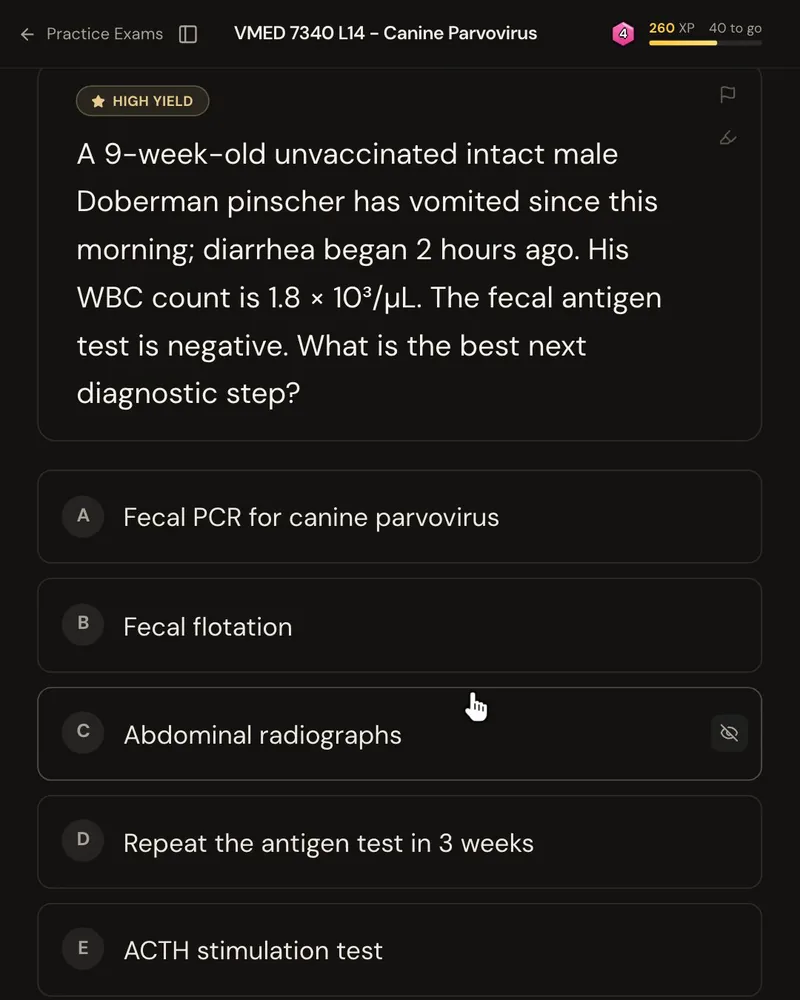
    A NAVLE-style question: a 9-week-old unvaccinated Doberman pinscher has vomiting, a WBC count of 1.8 × 10³/µL and a negative fecal antigen test, asking for the best next diagnostic step, with five answer options

    Every option explained

    The explanation names the correct answer, then why each wrong option is wrong.

    The slide it came from is on every question, so you know exactly where the information is.
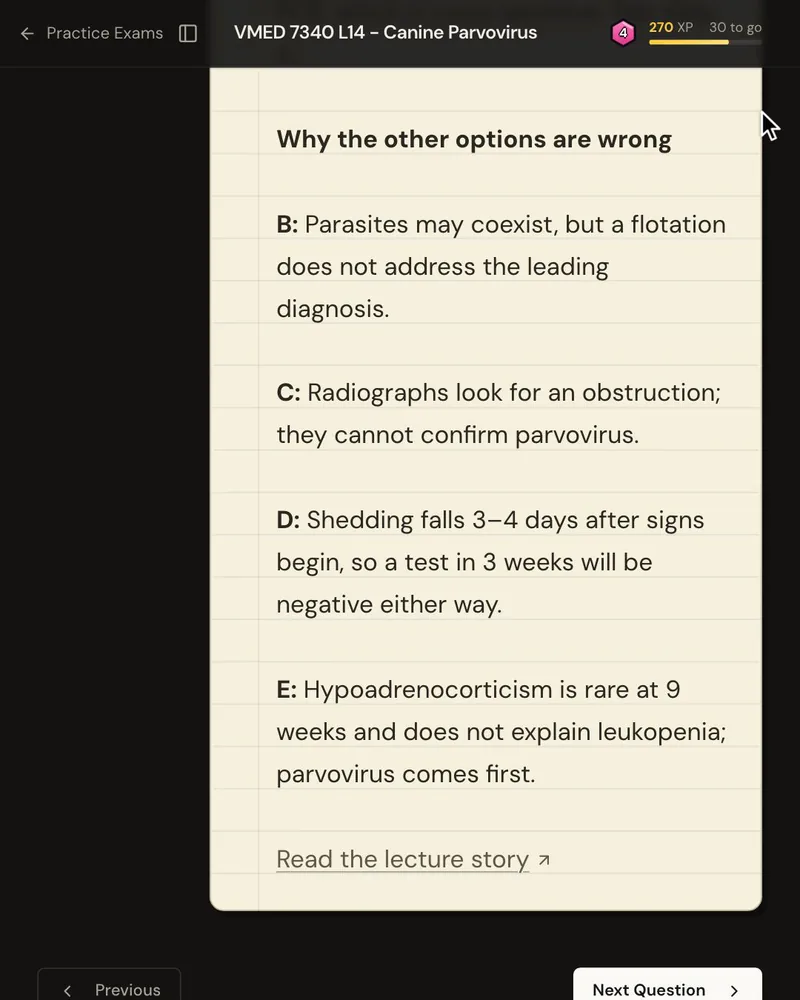
    The explanation’s “Why the other options are wrong” list, one reason for each wrong option

    Only what your course expects you to know

    Question banks are good, but they’re built for everyone.

    These questions come from your vet school lecture, focused on what’s most likely to show up on your exam.


    How it works

    Upload one lecture as a PDF or PowerPoint.

    The system is three simple steps you do for every one of your lectures:

    • Understand the why behind the information: the Story
    • Memorize with active recall: the Anki deck
    • Apply it to real exam questions: the practice exam
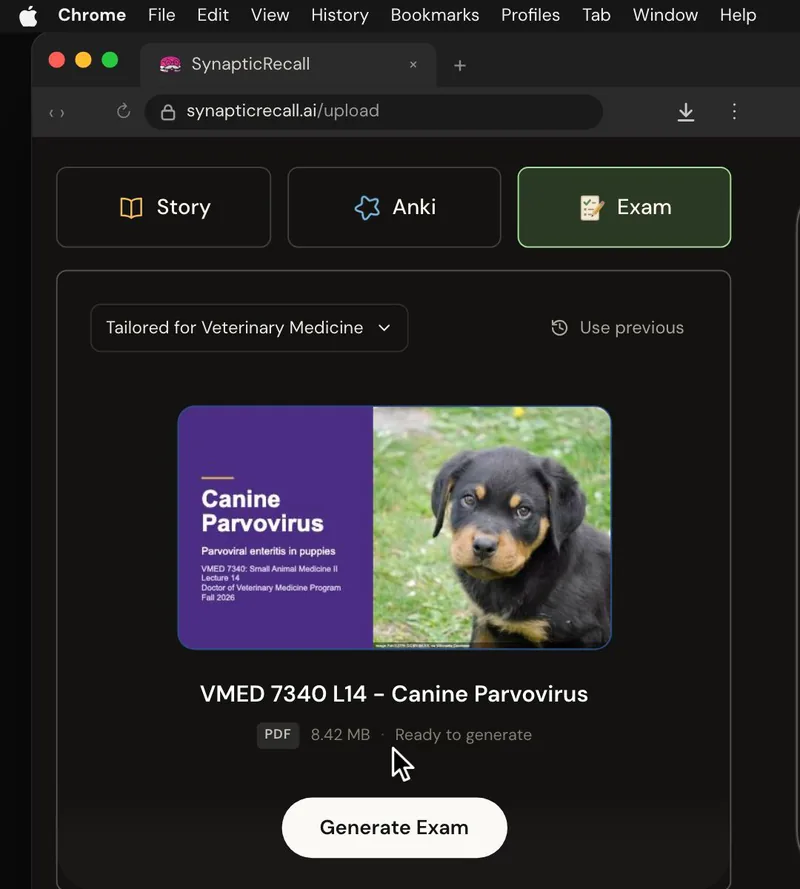
    The upload page tailored for Veterinary Medicine, with a lecture PDF dropped in and the Exam selected

    Free to try

    New accounts start with three free credits, and no card is needed.

    Three credits cover one lecture with all three study modes.


    Try it on your next lecture.